
How to Stay Connected While Traveling Abroad
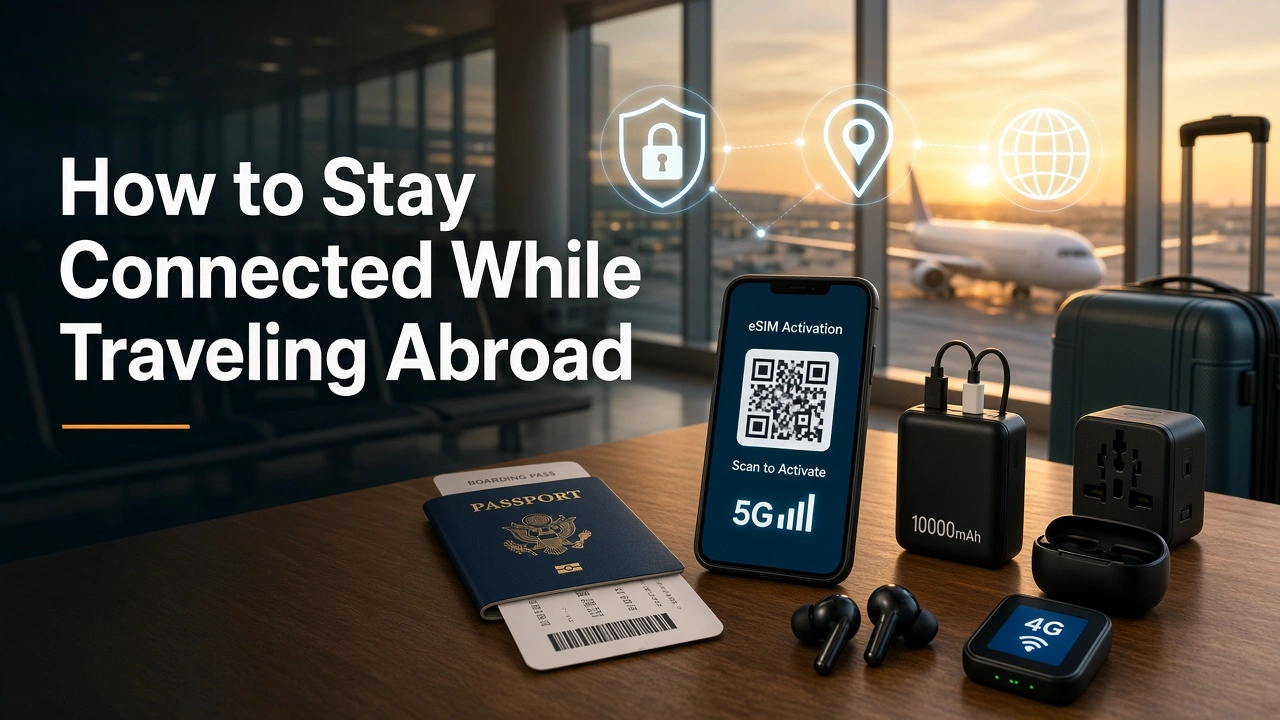
You land in a new country and your phone shows no signal. Maps will not load. Your ride app fails. This happens more often than it should.
Most connection problems come from poor prep. The fix is technical but simple. This guide covers the setup that works in practice.
Start by listing what you need online. Maps, messaging, banking, and remote work all use data differently. Your usage decides your plan.
Pick the Right Connectivity Option
You have four main routes. Each one trades cost against speed and effort.
Compare them before you buy:
- eSIM: Installed by QR code. No card swap needed. Works on most phones made after 2018.
- Local SIM: Often the cheapest data per gigabyte. Some countries require passport registration.
- Carrier roaming: Easy to use. Daily passes often cost $10 or more.
- Portable hotspot: Good for groups. Needs charging and carrying.
Check that your phone is carrier unlocked. A locked phone rejects foreign SIMs. Ask your carrier to confirm the status before departure.
Set Up an eSIM the Right Way
An eSIM is a digital SIM profile. You download it over Wi-Fi and activate it on arrival. Most travel providers sell country or regional plans, and speeds match the local 4G or 5G network.
Install the profile before you fly. Keep your home SIM active for calls and SMS codes. Label each line in settings, such as Home and Travel. Then set the eSIM as your mobile data line only.
Turn off data roaming on the home line. This one setting prevents most surprise bills. Also switch off Wi-Fi Assist so your phone does not burn mobile data on weak Wi-Fi.
Secure Every Connection
Public Wi-Fi in airports and hotels is a weak spot. Attackers can clone network names to capture your traffic. A VPN encrypts that traffic and blocks this kind of snooping. Some countries also block major apps and sites. If you plan to visit mainland China, set up a reliable VPN for China before you arrive. VPN download pages are often blocked once you are inside.
Use HTTPS sites only. Turn on two-factor authentication for email and banking. Choose an authenticator app over SMS, since text codes may fail abroad. A password manager helps too. It fills credentials only on matching sites, which lowers phishing risk.
Disable auto-join for open networks. Forget each network when you leave. Keep your operating system and apps updated. Turn on your phone’s find-my feature so you can lock or wipe a lost device.
Build an Offline Backup Plan
Connectivity will fail at some point. Plan for it. Download key items while you are on strong Wi-Fi.
Save these before departure:
- Offline maps for every city you visit
- Translation language packs
- Boarding passes and hotel bookings as PDFs
- Emergency contacts written on paper
Offline maps use GPS, not data. Your phone can still place you on the map with zero signal. Download the full city area, not just the center.
Carry a power bank of 10,000 mAh or more. A dead phone equals no signal. Pack the right plug adapter and a short charging cable too.
Bring two cables. Cables fail more often than phones. Keep one in your daybag and one in your main luggage.
Label your gear so nothing gets left behind. Many travelers clip custom keychains onto charger pouches and power banks. They stand out in a crowded airport tray or hostel locker.
Prepare Your Devices Before Departure
Update your phone, tablet, and travel apps before leaving home. Check that your devices support local network bands and have enough storage for downloaded files. Remove unused apps to free up space. Test your charger, power bank, and eSIM connection. A quick device check helps prevent technical problems and keeps your essential travel tools ready throughout the trip.
Stay Reachable for Safety
Share your itinerary with a trusted contact. Turn on location sharing for the trip window. Use apps that run over Wi-Fi, like WhatsApp or Signal.
Check which apps work at your destination. Some countries restrict VoIP calls. Install a backup messenger before you go.
Ask your carrier about Wi-Fi calling. Many carriers let you call and text over Wi-Fi at home rates. Confirm this before you leave, since support varies by country.
U.S. citizens should also review the Smart Traveler Enrollment Program from the State Department. It is free. It sends embassy alerts by email and helps officials reach you in an emergency.
Control Data Use and Costs
Track usage in your phone settings. Set a data warning at about 80 percent of your plan. Reset the counter on day one.
Lower video quality when streaming. Download playlists and shows at the hotel. Update apps only on Wi-Fi. Cached video alone can save several gigabytes a week.
Good connectivity comes from prep, not luck. Choose your plan, secure your traffic, and save offline backups. Then test the full setup at home before you leave.