
WhatsApp Status Quotes: Best Lines, Ideas and How to Post Them Right
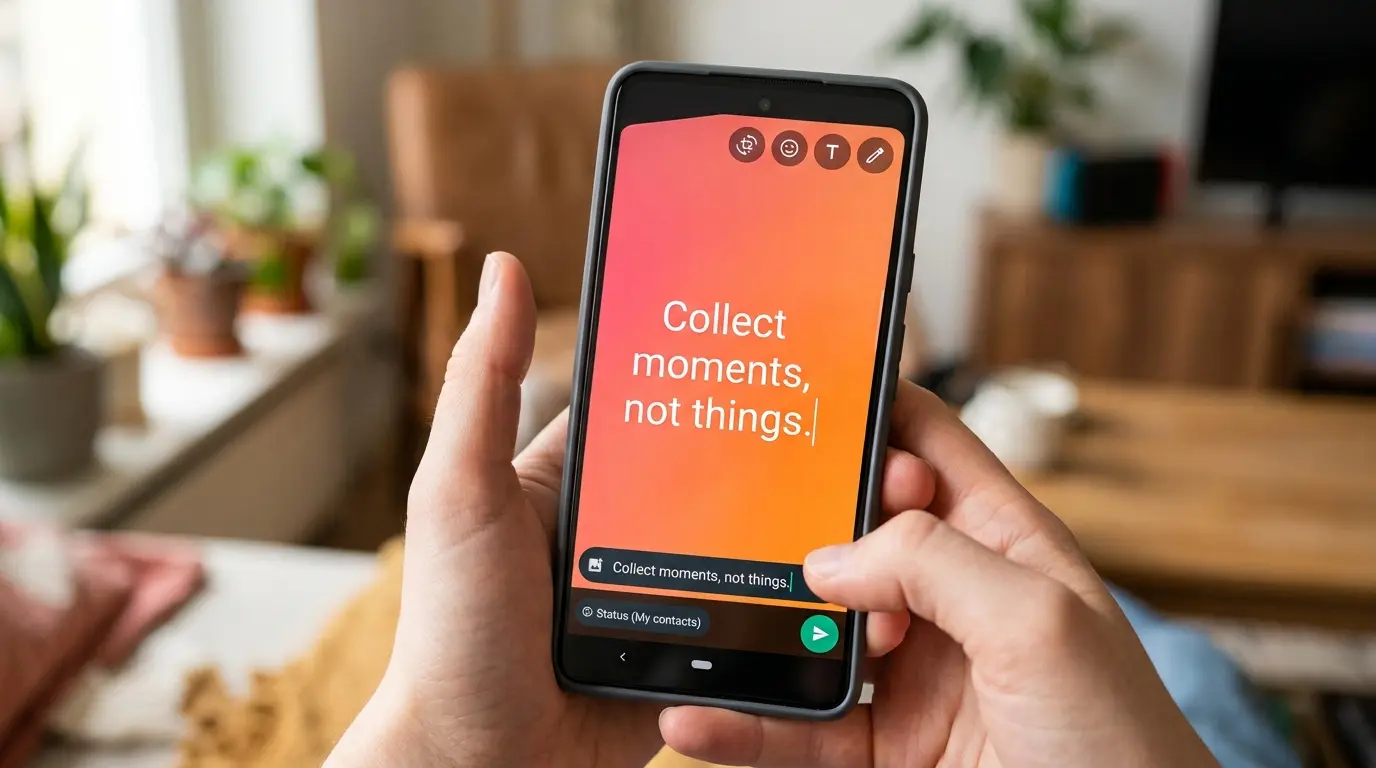
WhatsApp status quotes work best when they are short, personal, and fit inside the app’s tight character limit rather than copied word for word from a random list online. A good status quote should sound like something you would actually say, not a line five other people already posted this week.
If you have ever typed out a quote for your status only to have it cut off halfway through, you already know the frustration. That small technical detail trips up more people than you would expect, and it is exactly the kind of thing most articles on this topic never explain.
This guide covers the quotes themselves, but also the parts nobody talks about, like character limits, who actually sees your status, and when a certain type of quote might do more harm than good socially.
How Do You Post a Quote as Your WhatsApp Status?
Posting a status quote takes less than a minute once you know where to look. Open WhatsApp, tap the Status tab at the top of the screen, then select the text option instead of camera or gallery.
From there, type or paste your quote, then use the color palette at the bottom to pick a background that fits the mood. WhatsApp also lets you change the font style by tapping the text icon, which is a small detail that makes a huge difference in how polished the final status looks.
Once posted, the status stays live for 24 hours before disappearing automatically. This built in expiration is part of why status quotes feel less permanent and more like a mood check in than a lasting post, which is exactly why people feel freer to experiment with different tones throughout the week.
A common mistake first timers make is posting a quote, then immediately closing the app without checking how it actually renders. Backgrounds sometimes shrink long text more than expected, so a quick preview check before finalizing saves an awkward re-post five minutes later.
How Many Characters Can a WhatsApp Status Have?
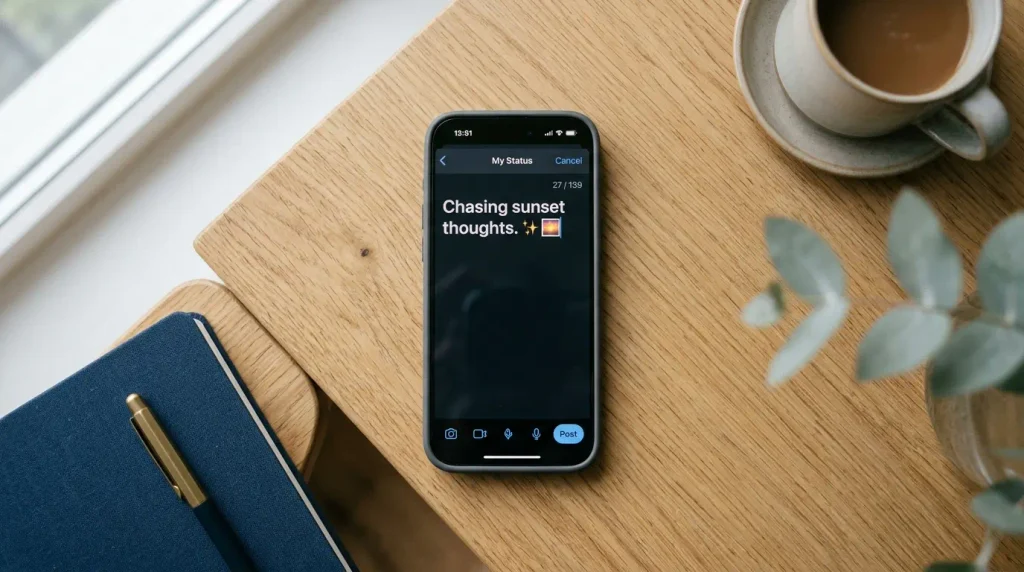
This is the detail almost every quote list online skips entirely. WhatsApp text status has a hard limit of 139 characters, which is noticeably shorter than a tweet and far shorter than most inspirational quotes found through a quick search.
That limit matters because a lot of the longer, more poetic life quotes and love quotes circulating online simply will not fit as written. Trying to force one in often results in the ending getting cut off, which looks unfinished and undercuts the entire point of posting it.
The fix is simple. Before posting, count roughly how long your quote runs, and trim it down to the core line if needed. Most quotes actually improve when shortened this way, since the shorter version reads punchier and holds attention better on a small phone screen anyway.
- Keep quotes under 100 characters when possible for a comfortable buffer
- Cut introductory phrases like “as they say” or “someone once said”
- Favor one strong sentence over two connected ones
Who Can See Your WhatsApp Status Quotes?
Visibility is controlled through status privacy settings, found under Settings, then Privacy, then Status. Three options exist here, and most people never check which one they have selected.
My Contacts shares your status with everyone saved in your phone. My Contacts Except lets you block specific people from seeing it while everyone else can. Only Share With flips that logic, showing your status to just a chosen list rather than everyone.
This matters more than it seems. A funny status quotes post meant as a joke for close friends can land very differently if a coworker or distant relative sees it out of context. Checking these settings once, and adjusting them for sensitive posts specifically, avoids most of the awkward situations people run into with status sharing.
What Are Some Unique Status Lines for WhatsApp That Feel Personal?
Unique status lines for whatsapp rarely come from finding an obscure quote nobody else has used. They come from taking a familiar sentiment and adding a personal twist that makes it unmistakably yours.
A few ways to personalize a generic quote:
- Swap a general word for something specific to your life, like a hobby, city, or nickname
- Add a short second line that reacts to the quote in your own voice
- Reword the ending instead of using the original phrasing exactly
- Reference an inside joke or shared memory instead of a universal statement
For example, a generic line like “collect moments not things” becomes more memorable as “collect moments, forget the things, especially the ones that need charging.” That small rewrite signals personality instead of a copy paste job, and readers notice the difference even if they cannot always explain why.
What Is the Best WhatsApp Status to Impress Everyone?
There is no single universal answer here, since what impresses one audience can feel like too much for another. That said, a few patterns consistently perform well across different groups.
Short, confident attitude status lines tend to grab attention faster than long paragraphs. A well timed success status shared after an achievement reads as earned rather than boastful, especially when it stays brief. One line whatsapp status posts also tend to get more views simply because they are quick to read while scrolling through a stack of contacts’ updates.
What consistently falls flat is anything that tries too hard, like an overly complex quote stacked with hashtags or emojis crammed into a small text box. Simplicity almost always wins over WhatsApp’s small, quick moving status format.
What Are Good WhatsApp About Quotes and About Lines for Your Bio?

Whatsapp about quotes and whatsapp about lines live in a different spot entirely. This is the small text under your profile name, found by tapping your profile picture, then About, and it stays visible permanently until you change it, unlike the 24 hour status.
Because of that permanence, bio lines work best as something you are comfortable with people seeing indefinitely, not a quote tied to a passing mood. A short, evergreen line like “building something worth telling later” or “coffee first, everything else second” tends to age better than a quote reflecting a specific temporary feeling.
Keep these under a single short sentence. The about field has limited space, and a line that gets cut off here looks even more awkward than a clipped status quote, since it sits on your profile permanently rather than disappearing after a day.
Is It a Bad Idea to Post a Sad WhatsApp Status Quote?
Not necessarily, but it comes with a real social tradeoff worth knowing about. Sad status quotes often get read by friends and family as more than just a quote, especially from people who know you well and notice a pattern change in your posting.
Expect a few likely outcomes. Close friends may check in directly, which can feel supportive or intrusive depending on your mood. Distant contacts might misread the line entirely, assuming something specific happened when it might just reflect a passing feeling.
If privacy is a concern, using the Only Share With setting for a heavier quote limits who actually sees it, letting you process the moment without broadcasting it to your entire contact list. This single adjustment solves most of the discomfort people feel about posting something emotionally honest.
How Often Should You Change Your WhatsApp Status?
There is genuinely no fixed rule, and anyone claiming otherwise is guessing. That said, patterns do exist based on how people actually use the feature day to day.
Posting several times within a single day, especially with unrelated or scattered quotes, tends to read as attention seeking to a portion of your contacts, fair or not. On the other end, going several weeks without any update can make an account feel inactive, particularly for people who use status as a light way to stay visible to friends.
Most regular users settle into a rhythm without overthinking it, updating every two to four days or specifically around moods, achievements, or occasions worth marking. That middle ground tends to feel natural rather than calculated either way.
Do Quotes Work Differently on Photo or Video Status Than Text Status?
Yes, and this distinction rarely gets mentioned anywhere else. A quote layered over a photo or video status has to compete visually with the image itself, so shorter, punchier lines work far better here than a longer reflective quote.
Plain text status, by contrast, has the entire screen dedicated to the words, which allows for a slightly longer, more thoughtful life quotes style line without feeling cluttered. Video status also caps at roughly 30 seconds per clip, so a quote paired with video needs to appear early and stay legible rather than fading in halfway through.
A practical rule that holds up well: save your shortest, boldest one line whatsapp status lines for photo and video overlays, and reserve slightly longer, more reflective quotes for plain text status where they have room to breathe.
Conclusion
Choosing the right WhatsApp status quotes comes down to a few practical habits rather than finding the one perfect line online. Keep it short enough to fit the character limit, personalize it slightly so it does not look copied, and check your privacy settings before posting anything more personal than a casual line. Get those small details right, and your status will consistently feel more genuine than the generic quotes cycling through everyone else’s contact list.
FAQs
What are good quotes for WhatsApp status?
Short, personal lines under 100 characters tend to work best, whether pulled from a motivational quotes list or written yourself with a small personal twist.
How do I post a quote on WhatsApp status?
Open the Status tab, choose text, type your quote, adjust the background and font, then share it directly from that screen.
What is the best WhatsApp status to impress everyone?
Short, confident one line whatsapp status posts tend to perform better than long paragraphs, since they are quicker to read while scrolling.
How many characters can a WhatsApp status have?
Text status is limited to 139 characters, which is why many longer quotes found online need to be trimmed before posting.
Who can see my WhatsApp status?
Visibility depends on your privacy settings, which include My Contacts, My Contacts Except, and Only Share With, all adjustable under Settings and Privacy.
Are unique status lines for WhatsApp hard to come up with?
Not if you start with a familiar quote and personalize it slightly, rather than trying to invent something entirely original from scratch.
Is posting a sad WhatsApp status a bad idea?
It can invite concern or misread reactions from contacts, so adjusting the privacy setting for that particular post helps manage who actually sees it.
How often should you change your WhatsApp status?
Every few days tends to feel natural for most people, though there is no strict rule beyond avoiding several unrelated posts in a single day.